
Gradients & Shaders
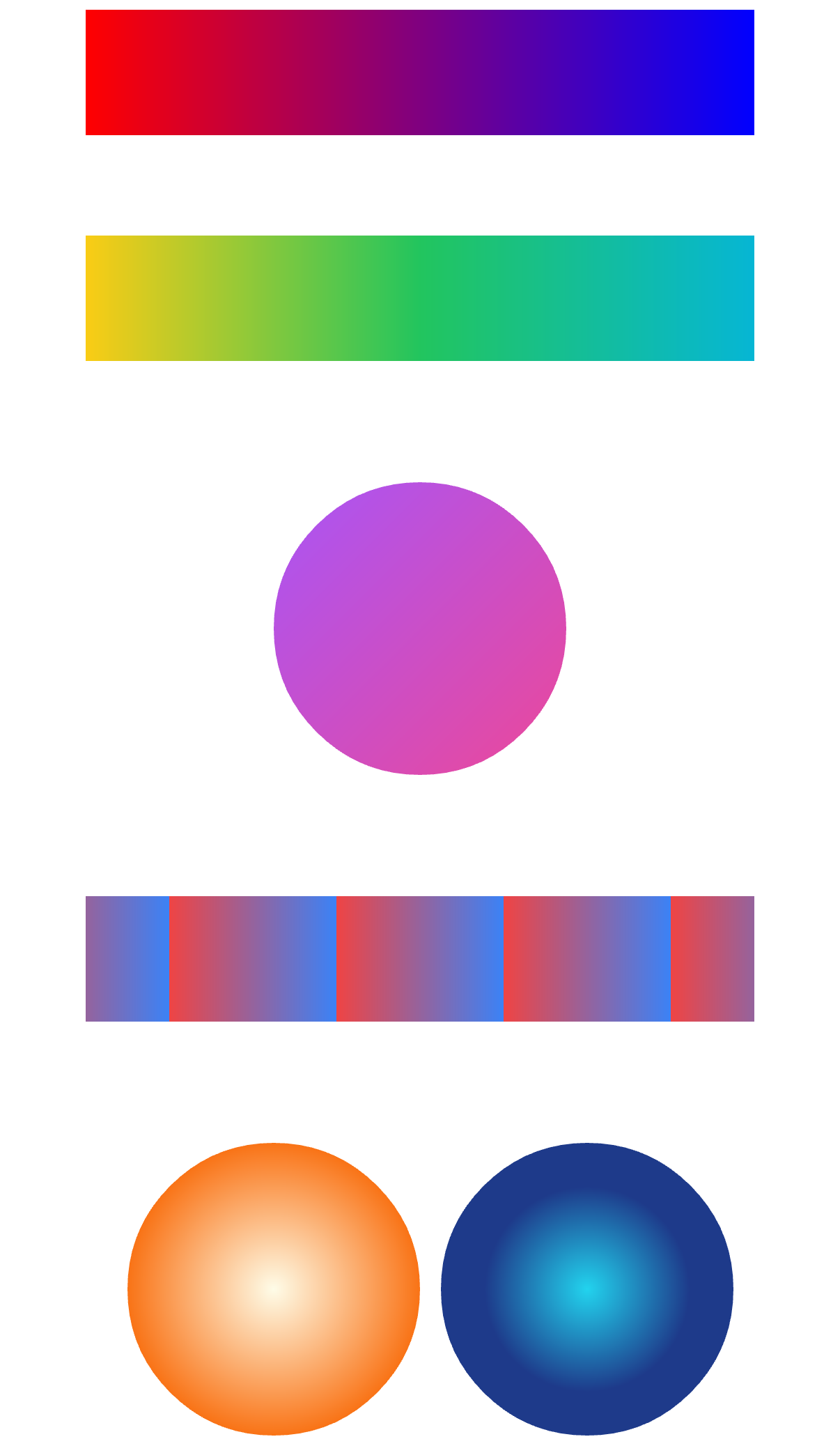
Gradient and image shaders are declarative children of a shape (or of a <Paint>): a shader placed directly under a shape targets its fill, while a shader inside <Paint style="stroke"> targets its stroke — the native renderer draws fill + stroke as two passes.
import {
  LinearGradient,
  RadialGradient,
  SweepGradient,
  TwoPointConicalGradient,
  ImageShader,
  vec,
} from "@scumble/react";
All gradient geometry is in absolute user-space pixels (not 0–1 normalized) — the same coordinate space the painted shape uses. Point props (start, end, c) accept a {x, y} object (e.g. from vec) or a [x, y] tuple.
<LinearGradient>
A linear gradient between two points.
<Rect x={0} y={0} width={100} height={100}>
  <LinearGradient start={vec(0, 0)} end={vec(100, 0)} colors={["#f00", "#00f"]} />
</Rect>
Props
| Prop | Type | Default | Description |
|---|---|---|---|
start | Point | — | Gradient start point (absolute user-space px). Required. |
end | Point | — | Gradient end point (absolute user-space px). Required. |
colors | Color[] | — | Gradient stop colors. Required. |
positions | number[] | — | Stop offsets. |
mode | "clamp" | "repeat" | "mirror" | — | Spread behavior outside the gradient extent. |
<RadialGradient>
A radial gradient from a center + radius circle. (A focal/two-circle gradient is a separate <TwoPointConicalGradient>.)
<Circle cx={50} cy={50} radius={50}>
  <RadialGradient c={vec(50, 50)} r={50} colors={["#fff", "#000"]} />
</Circle>
Props
| Prop | Type | Default | Description |
|---|---|---|---|
c | Point | — | Center of the circle (absolute user-space px). Required. |
r | number | — | Circle radius in px; must be positive. Required. |
colors | Color[] | — | Gradient stop colors. Required. |
positions | number[] | — | Stop offsets. |
mode | "clamp" | "repeat" | "mirror" | — | Spread behavior outside the gradient extent. |
<SweepGradient>
An angular sweep around a center. start/end are degrees (this repo standardizes on degrees, matching rotate) mapping to stop offsets 0/1.
<Rect x={0} y={0} width={100} height={100}>
  <SweepGradient c={vec(50, 50)} colors={["#f00", "#0f0", "#00f"]} />
</Rect>
Props
| Prop | Type | Default | Description |
|---|---|---|---|
c | Point | — | Center of the sweep (absolute user-space px). Required. |
start | number | 0 | Start angle in degrees. |
end | number | 360 | End angle in degrees. |
colors | Color[] | — | Gradient stop colors. Required. |
positions | number[] | — | Stop offsets. |
mode | "clamp" | "repeat" | "mirror" | — | Spread behavior outside the gradient extent. |
<TwoPointConicalGradient>
A two-circle (focal) conical gradient: stop offset 0 sits on the start circle, offset 1 on the end circle.
<Rect x={0} y={0} width={100} height={100}>
  <TwoPointConicalGradient
    start={vec(30, 30)}
    startR={0}
    end={vec(70, 70)}
    endR={60}
    colors={["#fff", "#000"]}
  />
</Rect>
Props
| Prop | Type | Default | Description |
|---|---|---|---|
start | Point | — | Center of the start (focal) circle (absolute user-space px). Required. |
startR | number | — | Start circle radius in px; must be ≥ 0. Required. |
end | Point | — | Center of the end circle (absolute user-space px). Required. |
endR | number | — | End circle radius in px; must be positive. Required. |
colors | Color[] | — | Gradient stop colors. Required. |
positions | number[] | — | Stop offsets. |
mode | "clamp" | "repeat" | "mirror" | — | Spread behavior outside the gradient extent. |
<ImageShader>
Fill (or stroke) a shape with a bitmap texture — the same declarative-child pattern as the gradients.
rect places the bitmap in user space: with it, fit crops the bitmap into the rect (the same semantics as <Image fit>, resolved at render time against the intrinsic size) and tiling outside the fitted area follows tx/ty. Without rect, the bitmap tiles 1:1 at its intrinsic size. An empty image clears the slot (the shape draws nothing for that paint).
const texture = useImage("https://picsum.photos/seed/tile/64/64");

<Rect x={0} y={0} width={200} height={100}>
  <ImageShader image={texture} rect={{ width: 200, height: 100 }} fit="cover" />
</Rect>;
Props
| Prop | Type | Default | Description |
|---|---|---|---|
image | ImageHandle | string | null | — | The bitmap: a useImage() handle or a bare uri string. null/empty clears the slot (that paint draws nothing). Required. |
fit | Fit | "contain" | How the bitmap is inscribed into rect (the CSS object-fit family). Ignored when rect is omitted. |
rect | { x?: number; y?: number; width: number; height: number } | — | Destination rect in user space. Omit for 1:1 tiling at the bitmap's intrinsic size. |
tx | TileMode | "clamp" | Horizontal tiling outside the fitted area. |
ty | TileMode | "clamp" | Vertical tiling outside the fitted area. |
vec
Construct a 2D point {x, y} — accepted anywhere a shader point prop (start/end/c) is expected, alongside a [x, y] tuple.
<LinearGradient start={vec(0, 0)} end={vec(100, 100)} colors={["#f00", "#00f"]} />The return type is Vec = { x: number; y: number }, which is also the vertex format for points arrays.